2025-07-17
HMI design principles
YAHA Lab
The philosophy of industrial-grade HMI design is that "form is absolutely subordinate to function." View operators as experts who need to make quick and accurate decisions in high-pressure and high-risk environments, and have HMI as their most reliable and efficient tool. The quality of all designs should ultimately be measured by whether they can enhance safety, production efficiency and reduce human errors.
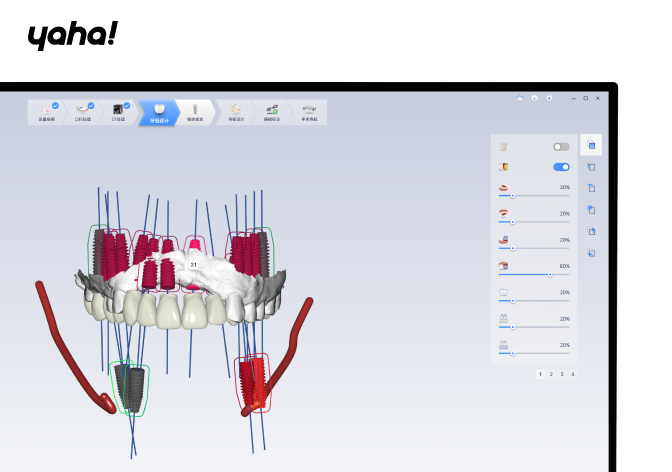
1. Clarity First
Principle explanation: The primary goal of all designs is the absolute clarity of information. The interface must enable people to understand the current status, key data and alarm information unambiguously in the shortest time (usually under pressure).
Practical demonstration: Highlight key indicators, establish a clear visual hierarchy of information, use high-contrast display to avoid visual confusion, and ensure that text and numbers are easy to read quickly from a distance.
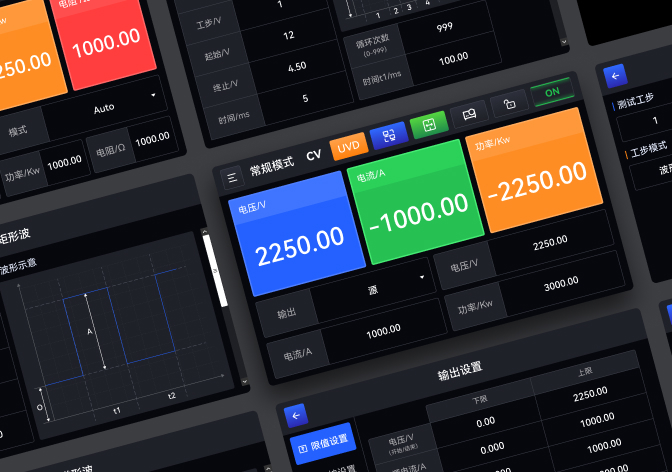
2. Efficiency Paramount
Principle explanation: The design of the interaction process must maximize operational efficiency and minimize the cognitive load and physical operation steps on the operator. The goal is to make common operations and key decisions simple, direct and fast.
Practical demonstration: Optimize navigation paths, provide shortcuts or one-click operations for high-frequency operations, simplify data input methods, and reduce unnecessary screen switching and clicks.
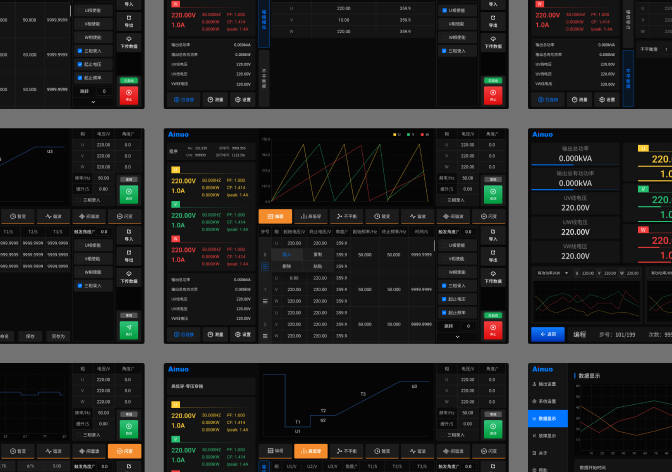
3. Consistency Builds Trust
Principle explanation: Maintain highly consistent interaction logic, visual language and terminology norms throughout the system. Consistency can reduce learning costs, form operational expectations, thereby reducing misoperations, and build operators' trust in the system.
Practical demonstration: Establish and strictly adhere to the design system, unify the styles of all controls, ICONS and layouts, and ensure that elements with the same function are consistently presented on different pages.
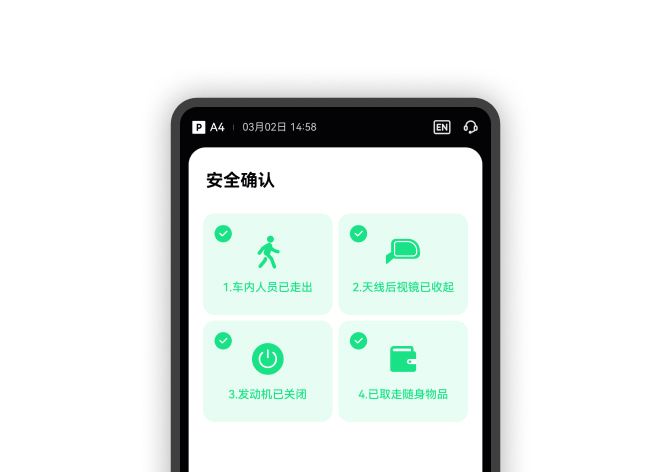
4. Safety as the Absolute Rule
Principle explanation: Design must serve safe production. Any design that may cause misunderstandings, delays or incorrect operations is unacceptable. The system needs to proactively and clearly communicate abnormal conditions and guide safe operations.
Practice demonstrates: Strictly adhering to color coding standards, designing a prioritized and clear alarm handling mechanism, providing secondary confirmation for key operations, and ensuring timely and accurate status feedback.
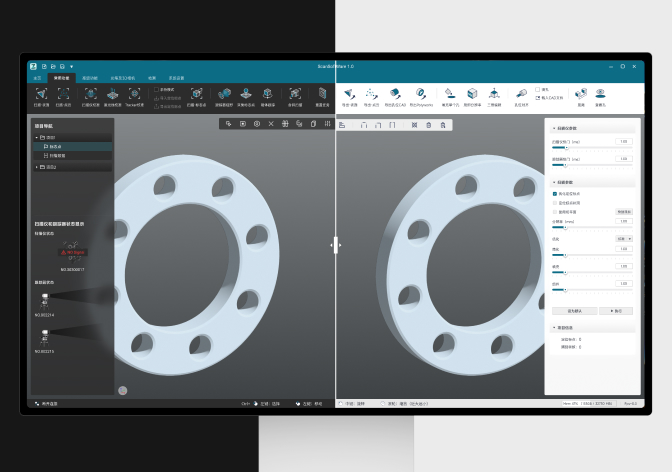
5. Context Adaptation
Principle explanation: Design must fully consider and adapt to its physical environment and usage scenarios. The interface needs to remain usable and reliable in noisy, bright, remote or busy industrial environments.
Practical demonstration: Design sufficiently large touch targets and visual elements to adapt to glove-wearing operations; Adopt a display solution that is still visible in strong light; Provide necessary auditory feedback to overcome environmental noise.
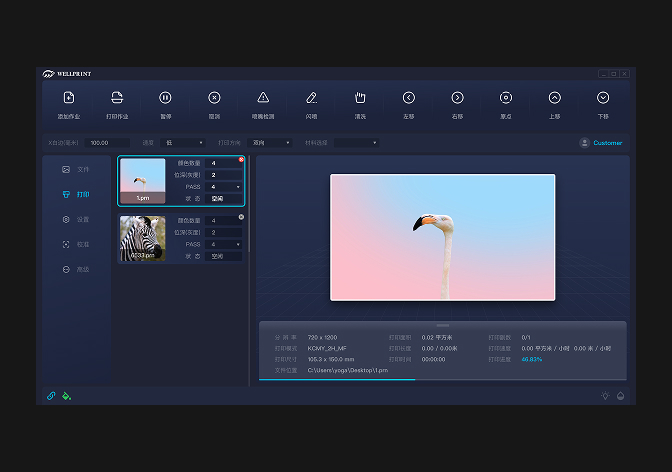
6. Simplification for Focus
Principle explanation: Discard all unnecessary decorations and redundant information, and adopt abstract and symbolic design language. The interface only displays the necessary information related to the current task, enabling the operator to focus on the core task and decision-making.
Practical demonstration: Use schematic diagrams instead of realistic ones, remove irrelevant decorative elements, optimize the data presentation method (such as charting), and use concise and professional copywriting.

© Copyright 2020-2025 YAHA Design Co.
-
Tel.
-
MAIL
-
ADR.深圳市龙华区设计产业园总部大厦1号楼1006
-
SNS.
Behance
Zcool
Redbook
WeChat


© Copyright 2020-2025 YAHA Design Co.